About the FRET Analysis Tool
The SONLab FRET Analysis Tool is a powerful, open-source application designed for analyzing Fluorescence Resonance Energy Transfer (FRET) data. Developed by our research team, this tool simplifies the complex process of FRET data analysis with an intuitive graphical interface.
A Three-Stage Workflow
The tool guides you through a clear pipeline, each step in its own dedicated tab:
1 · Cell Segmentation
Automated cell detection with Cellpose, plus manual ROI refinement to isolate the regions you want to analyze.
2 · Bleed-Through Correction
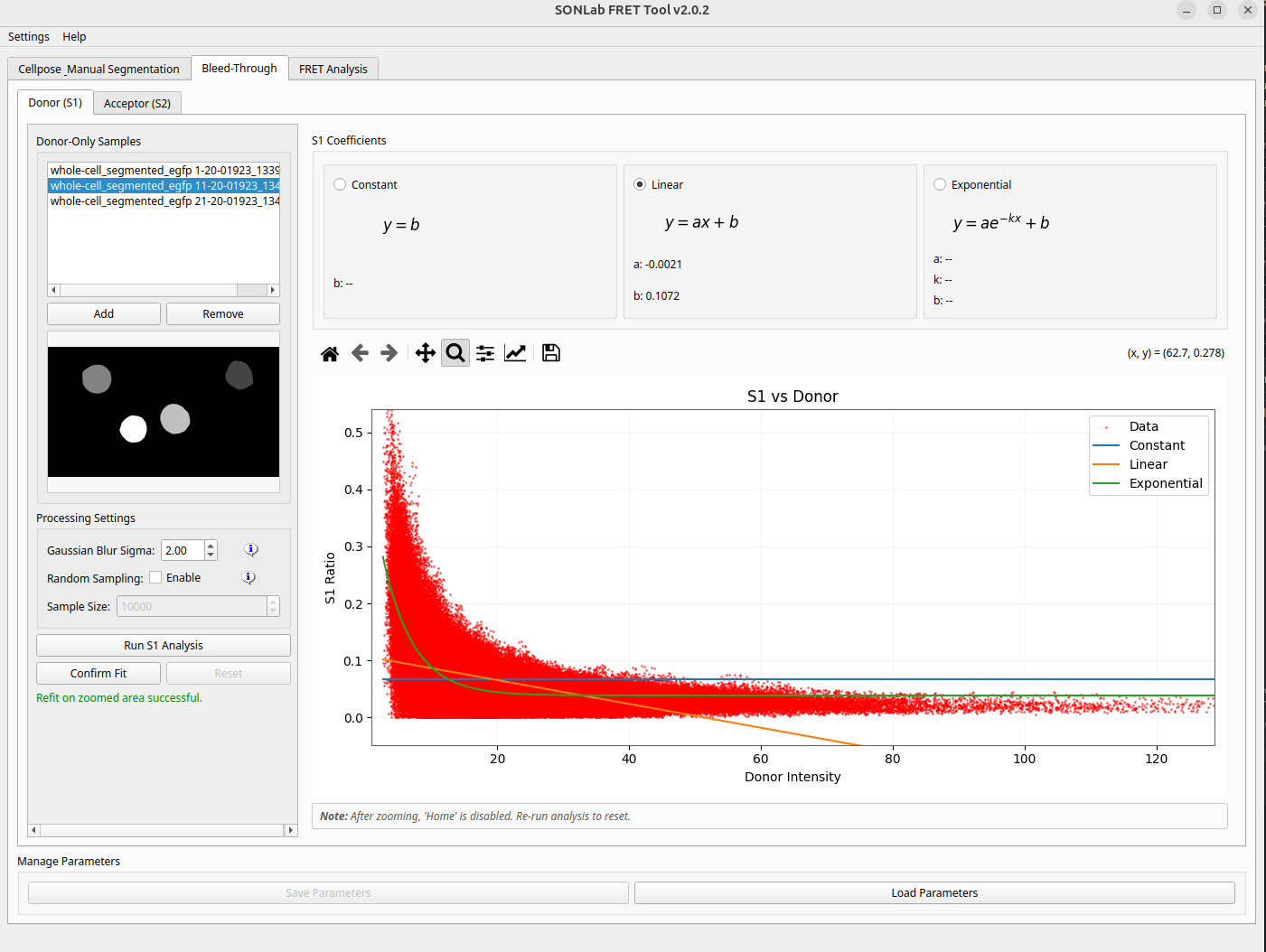
Measurement and modelling of spectral cross-talk between channels for accurate, artefact-free FRET signals.
3 · FRET Analysis
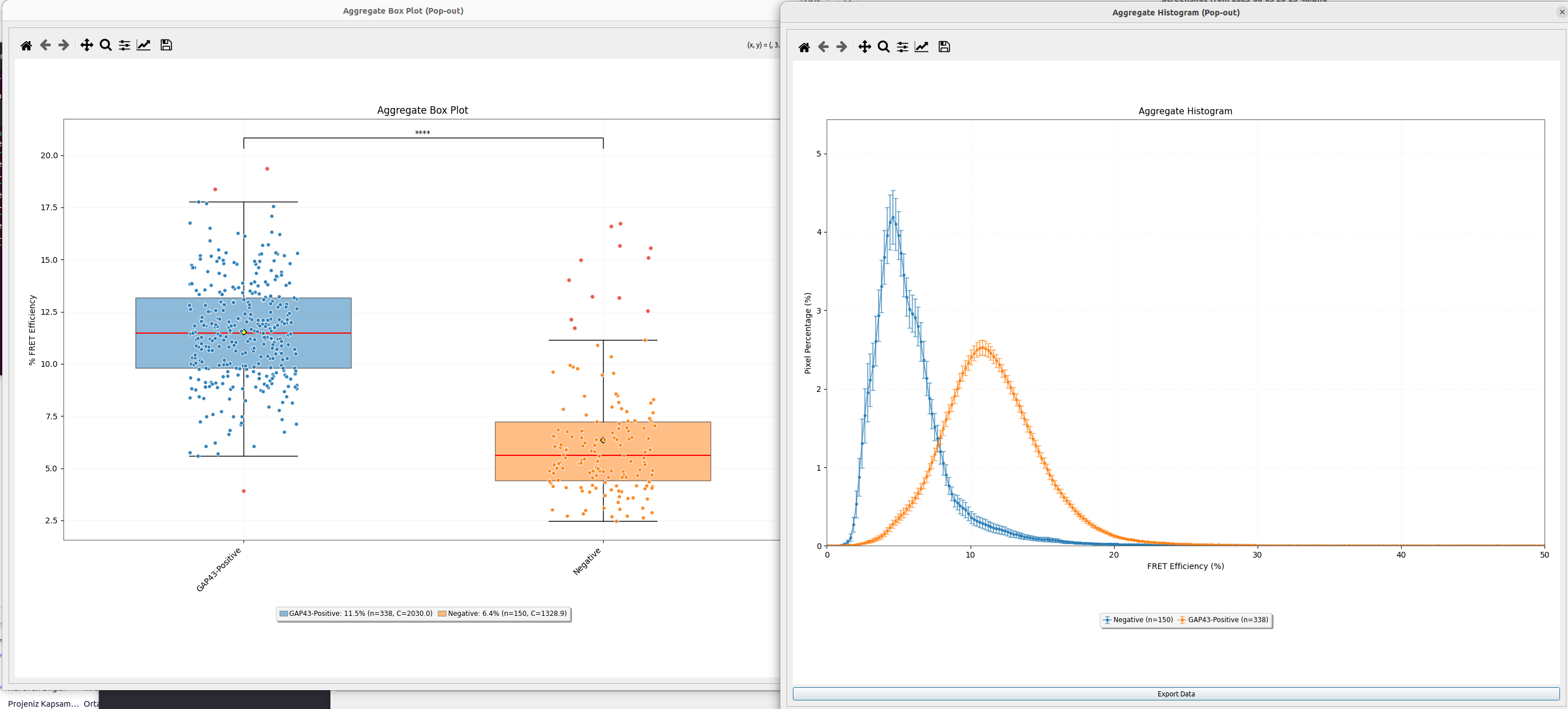
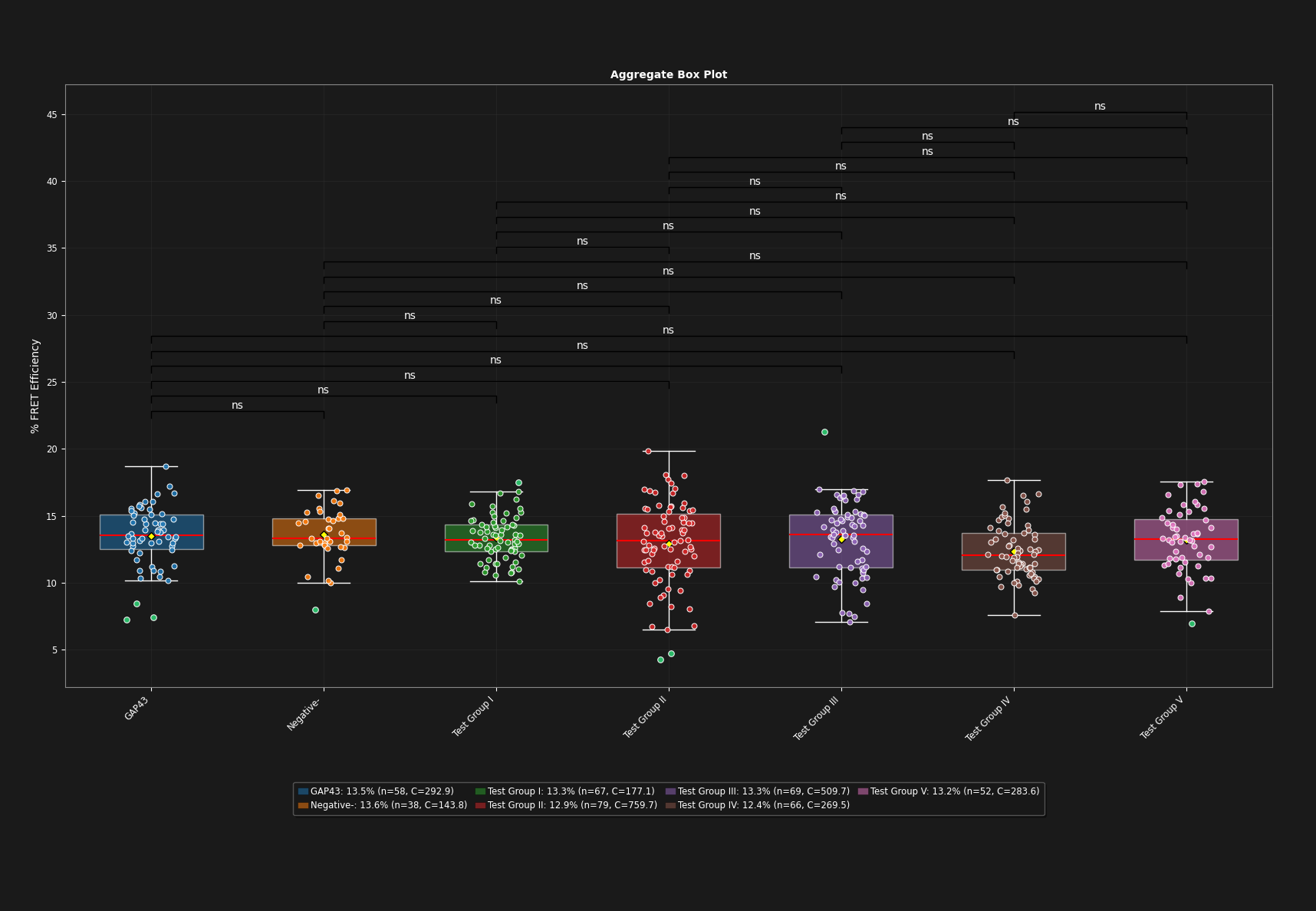
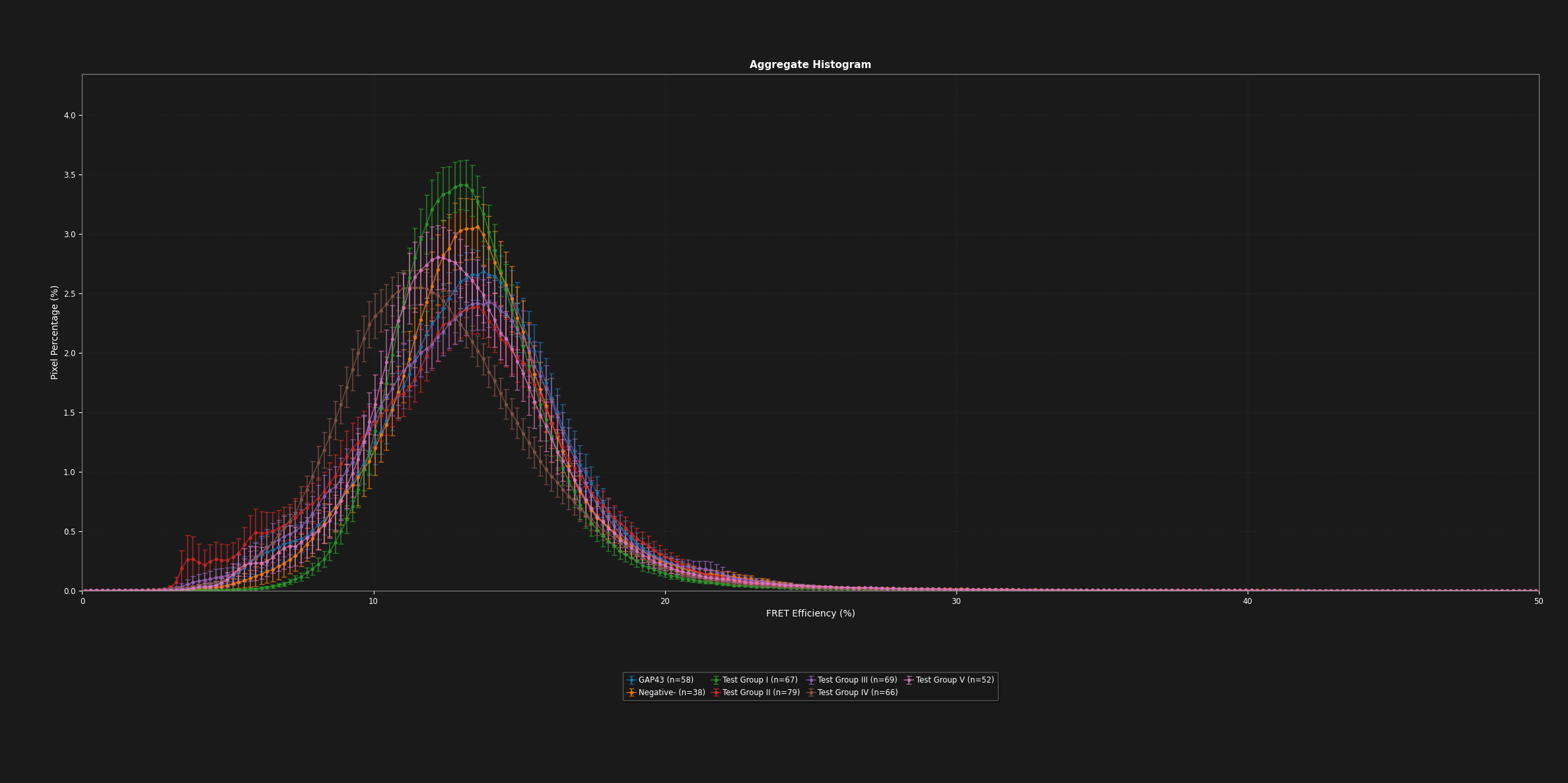
FRET efficiency computation with DFRET calibration, statistical testing, and publication-ready maps, tables and plots.
User Guide & Documentation
A comprehensive user guide walks you through the entire workflow — from installation to publication-ready results — available both online as a wiki and as a downloadable PDF. It covers:
- Installation (Windows, Linux, macOS)
- User interface overview
- Segmentation (Cellpose & manual ROI)
- Bleed-through correction
- FRET analysis & DFRET calibration
- Results & visualization
- Workflows & data flow
- File formats (TIFF, CSV, JSON)
- Troubleshooting & FAQ
How to Cite
If the SONLab FRET Analysis Tool supports your research, please cite the accompanying publication:
Application Preview
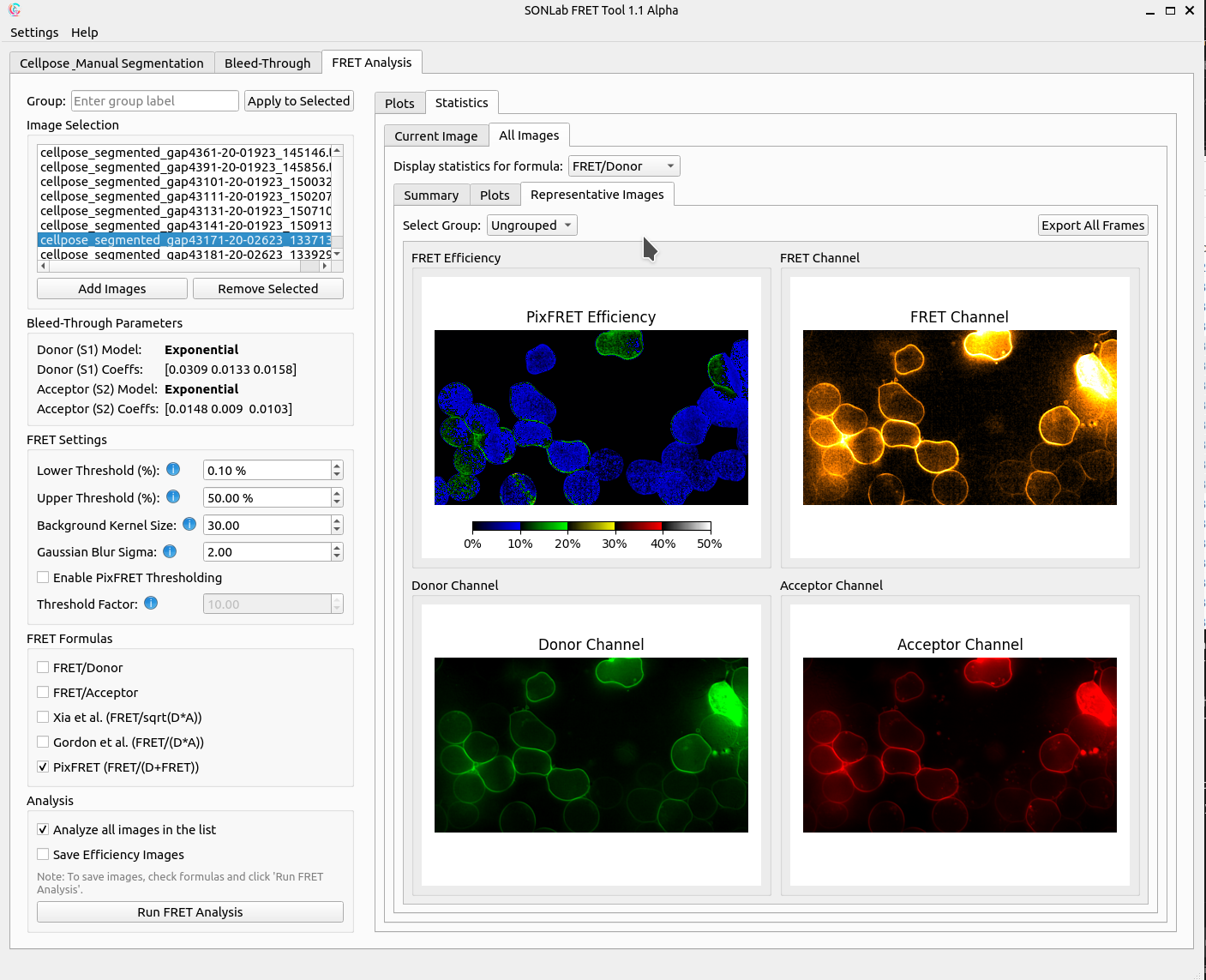
Frequently Asked Questions
Is the SONLab FRET Analysis Tool free to use?
Yes. The tool is completely free and open-source, released under the MIT license, and available for public use by the scientific community.
What do I need to run the tool?
The tool runs in a modern web browser with JavaScript enabled — no installation or special hardware is required. It works best in recent versions of Chrome, Firefox, and Edge.
What image and data formats does it support?
The tool accepts TIFF microscopy images as input and can export results as TIFF, CSV, and JSON files for downstream statistical analysis and figure preparation.
Does it perform automated cell segmentation?
Yes. Cells are detected automatically using Cellpose, and you can refine the regions of interest manually to isolate exactly the areas you want to analyze.
How does the tool correct for spectral bleed-through?
The workflow includes a dedicated stage that measures and models spectral cross-talk between channels, producing artefact-free FRET signals before efficiency is calculated with DFRET calibration.
How should I cite the tool in a publication?
Please cite the accompanying paper: Nursoy AZ, Cevheroğlu O, Son ÇD. "Automated FRET Analysis for Enhanced Characterization of Protein-Protein Interactions." Microscopy Research and Technique. 2026; doi:10.1002/jemt.70147.
Where can I find documentation and support?
A comprehensive user guide is available both as an online wiki and as a downloadable PDF, covering installation, segmentation, file formats, and troubleshooting.